What After Effects Plug-Ins Do We Actively Use?
After Effects Plug ins and scripts are game-changers for designers and studios. Every single item listed below is actively in our After Effects stack and had been used in some of our work. Whether you’re looking to improve your own workflow, or you’re here to freelance or partner with us - here are all of our plug ins we currently use in house!
We’ll keep updating this article every time we add a new plug in to our stack!
AVALIBLE FROM:
Please note that some of these links (not all of them) are Affiliate Links, meaning we will get a small kickback if you were to purchase the plug ins. I’d like to reiterate that all of the plugins on this list are actively in our production pipeline, so I would not recommend anything I wouldn’t use myself.
With that in mind, let’s go in to more details for each of these and talk about how we use them below:
Create animated autostereograms inside Adobe After Effects. This came as part of a pack with Motion Boutique, but the Autostereogram effect is fascinating in itself and can be used in a very niche way.
Part of the Mobo Super Suite Pack
An After Effects extension to export Lottie animations. Animations are exported by default as .json files that use the lottie.js player that comes along with the plugin. You can render animations in the browser on svg, canvas and html. It supports a subset of After Effects features. Animations can also be played natively on iOS and Android using Lottie. This is a must have if you’re working with LottieFiles for web.
Connect your layers with dynamic vector lines in a single click! Instantly generate chains, branching trees, triangulation, and complex data webs. Customise styles, curviness, and dynamic motion on the fly with our powerful native plug-in interface. Another from the Motion Boutique pack.
Part of the Mobo Super Suite Pack
Generates a beautiful, physically accurate glow. You'll never want to touch After Effect's default glow again. I don’t think I ever use the native glow effect now. Only if I need to send off a template file to someone that doesn’t have this effect. But if you still don’t have it, what are you doing?!
EaseCopy lets you copy/paste your eases without overwriting your values and copy/paste your values without overwriting your eases. This always sits at the top of my After Effects workspace. I use it almost every time I’m in After Effects. The ooutcome can also be achieved with Flow which is located below, but this one is a pay what you can situation.
Take control of your shape layers! Explode & merge for greater precision. Simply click one button and an overly complex shape layer explodes in to individual layers. I use it. literally every time I need to animate a logo or anything I’ve ever been sent over from Illustrator.
Flow provides a simple, clean, and intuitive curve editor to adjust your keyframe easing. Another one I use every day. I set my preset keyframe settings and click the buttons every single time I’m in After Effects. This saved so much time, 100% recommend!
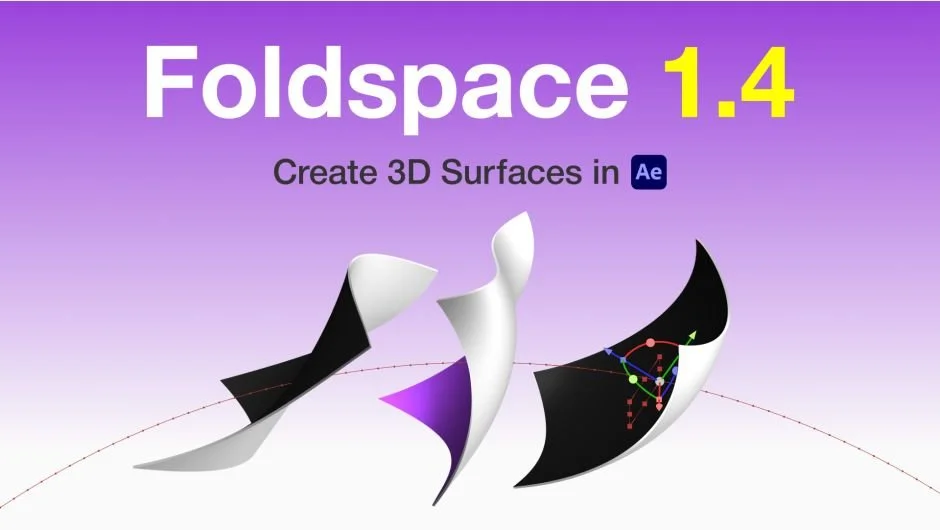
GPU-accelerated plugin that lets you create, edit, and animate 3D curved surfaces directly in Adobe After Effects. This one is great - as we work with a lot of perimeter LED adverts at sports venues, this plug in has made visualising them so much better and has taken our mock ups to the next level. It also opens up a whole load of opportunities for more advanced animations.
The ultimate tool for quickly adding effects and presets to layers. Another one I’ve used daily since the day it came out. While After Effects has recently introduced a native version of this inside the program - I don’t think I can ever be separated from the original. Andrew Kramer is a legend after all..
Design and animate maps directly in After Effects. The only way to create maps really. Yes you could use vector files and do some manual animation and tracking, but this plug in is just unbelievable. You can literally create maps from anywhere in the world using really map data pulled from Google - it’s a no brainer if you need to animate top level maps. While this one is the most expensive on the list, if you’re animating maps often, definitely consider this one!

The ultimate grid engine for After Effects. Create, manage, animate complex layouts and trigger true proximity effects—all from a single Null. This one came out of nowhere for us and simplified a process I didn’t even realise could be simplified so well. 100% recommend for animating anything in a grid structure - this plug in is so dynamic and easy.
A collection of 3 tools for After Effects to automate the creation of layers. Another one from the Motion Boutique pack. I mostly use this one for generating icons quickly using the Vector Icons effect.
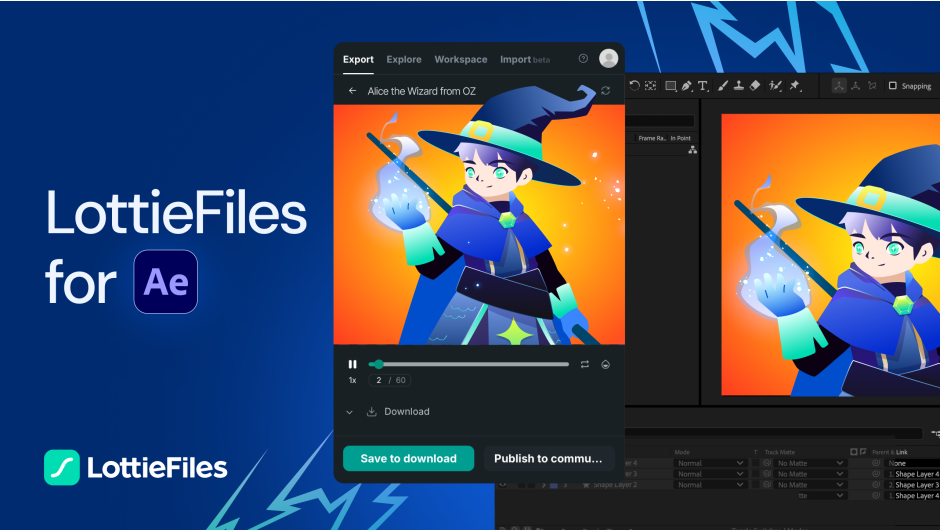
Explore Lottie animations right within After Effects - Import animations easily into AE and export them as Lottie JSON or dotLottie. Effortlessly test, preview and implement your Lottie animations across websites, apps and more. This is a must have for checking your LottieFiles are actually working on the web before you export. It’s also free!
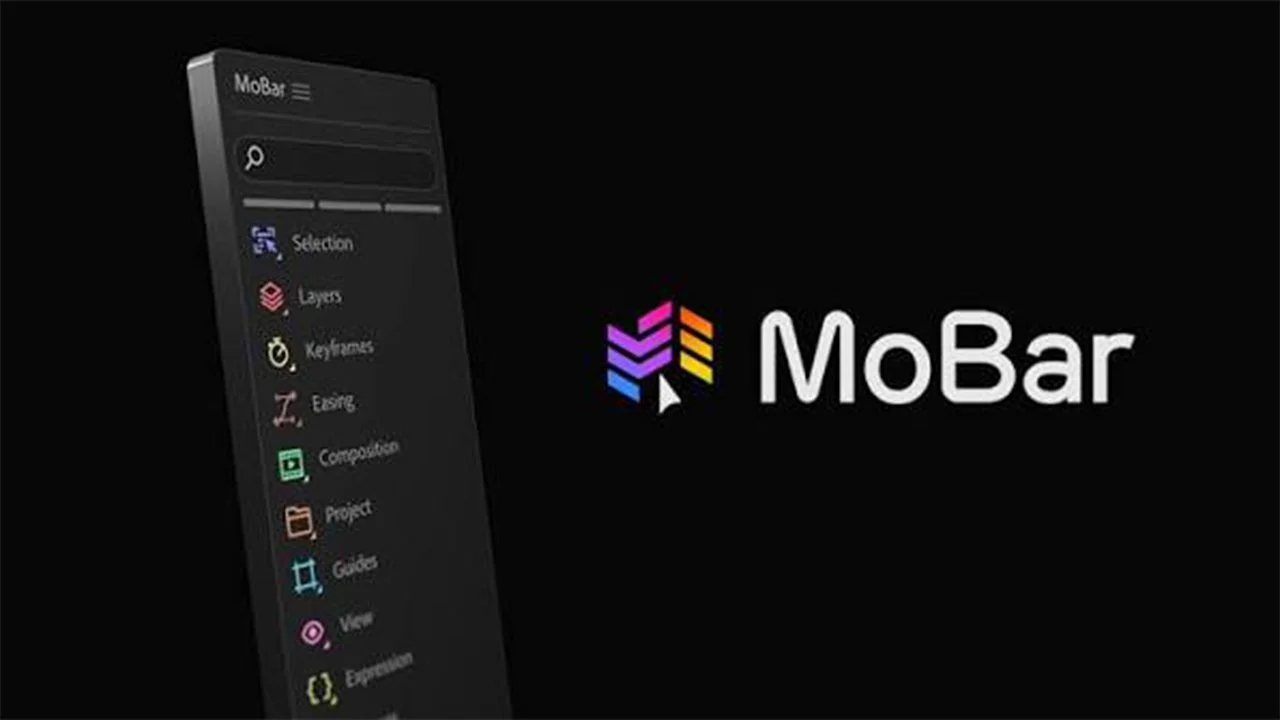
MoBar is like a Swiss Army Knife for After Effects. It gives you the freedom to build custom panels to organise your favourite effects, presets and scripts in one place. Plus, more than 160 ready-to-use tools that cover every step of your workflow and save you hours every week. Another free one that’s definitely worth looking at. There’s so much you can do with this one.
MOBO_Utils is an ever-evolving collection of minimal, native, single-purpose utilities built to bridge the functional gaps in After Effects. No revolutions here. Simple, effective, and straight to the point. Another one from the Motion Boutique pack. This one has so many fundamental add ons for After Effects that I can’t believe aren’t native to the software already. Worth looking through the list of what this can do.
Part of the Mobo Super Suite Pack
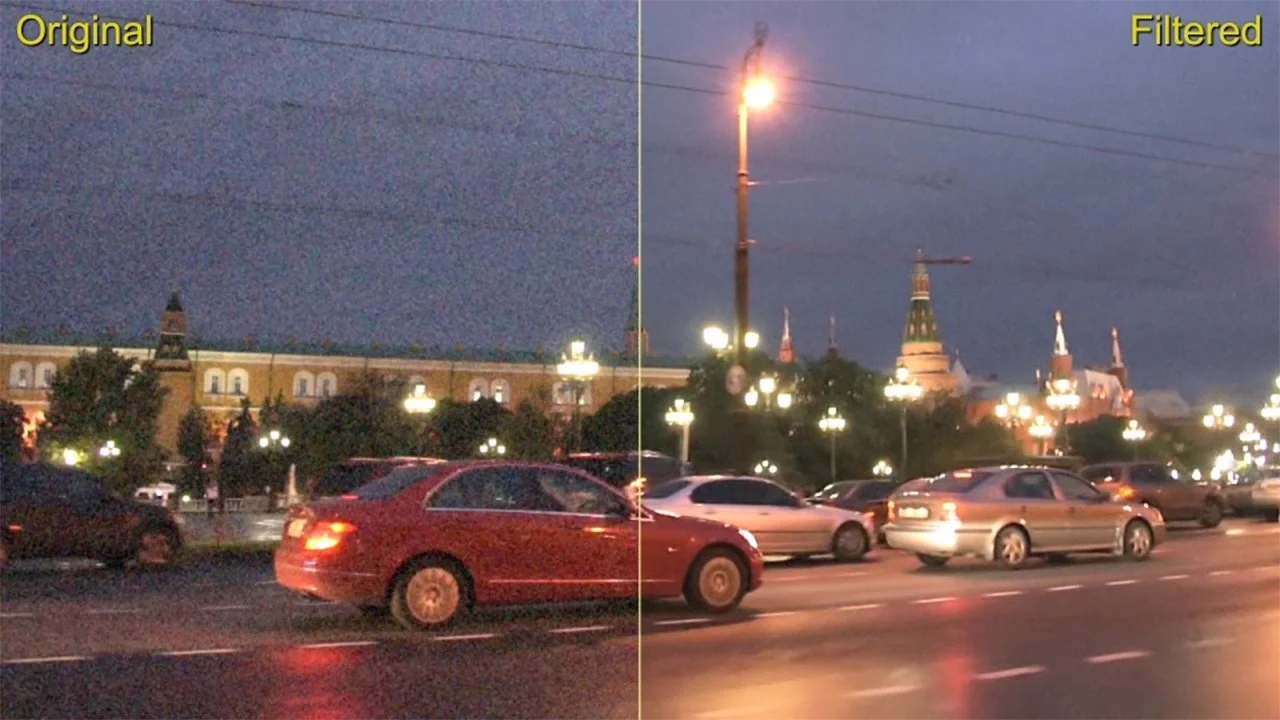
Neat Video is a powerful video filter plug-in designed to reduce visible pixel noise, grain, flicker and other imperfections. It is a very effective way to clean up video from any source including video cameras, phones, drones, film, CGI and more. This is by far the best denoiser I’ve come across. We use it for both after Effects and Premiere Pro across footage and 3D. We’ve exported some extremely noisy 3D renders in the past or filmed some underexposed footage on one of our shoots and this plug in has completely saved the clip.
The industry standard for 2D physics in After Effects. As a true native plugin, Newton 4 turns your composition into an interactive physics playground. Effortlessly transform any of your 2D layers into physical objects with perfect realism, making complex physics fast, fun, and instant to save you days of production time. Another from the Motion Boutique pack and is the main reason I bought it in the first place. Amazing physics engine inside After Effects - I love seeing shape layers work with gravity.
Part of the Mobo Super Suite Pack
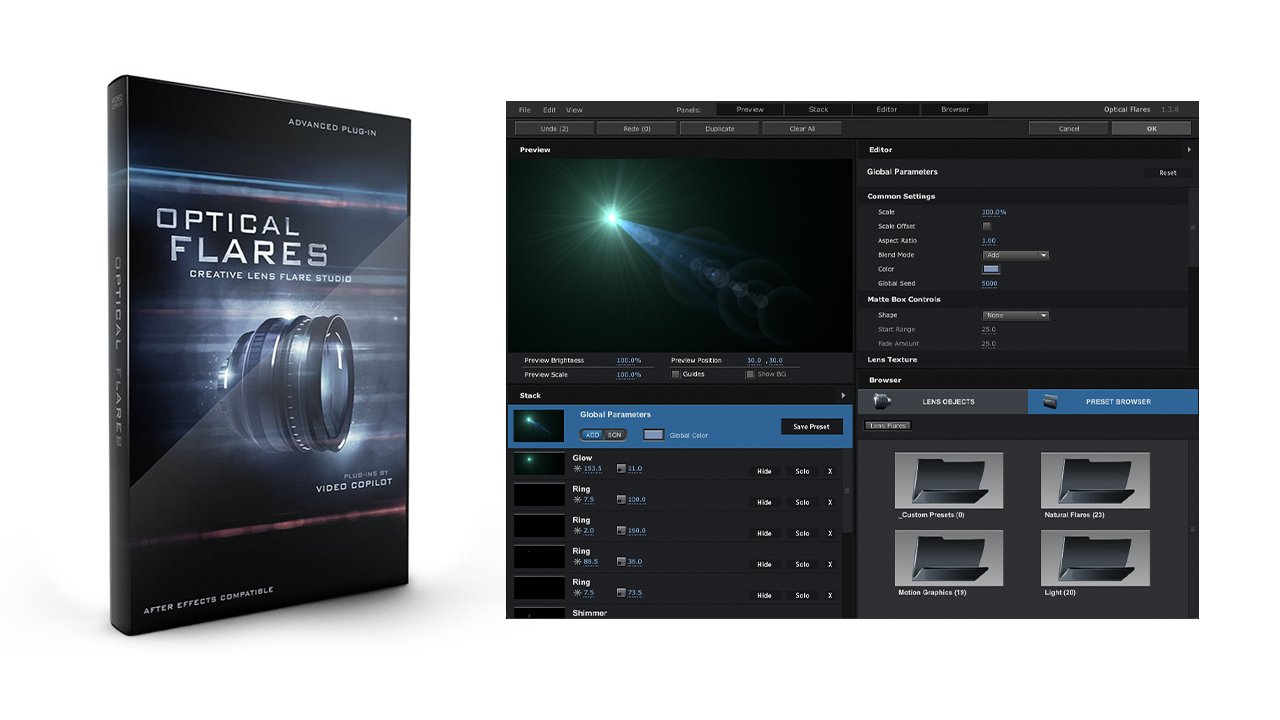
Build, Edit and Customise Lens Flares with amazing speed and simplicity. An absolute OG in the plug in game that still holds up today as the best lens flares on offer. I’ve said it before and I’ll say it again, Andrew Kramer: legend.
Turn any shape, text, or footage into a precise, beautifully distributed collage of native After Effects layers in a single click. Create mind-blowing morphing animations with infinite possibilities. Another from the Motion Boutique pack. This one pairs well with the Layer Generators plug in.
Part of the Mobo Super Suite Pack

Plotter converts any image or footage into striking vector art using 16 original algorithms, from classic halftones to hand-plotter-inspired squiggles. Fine-tune, colorise, and export to SVG or shape layers. Another from the Motion Boutique Pack.
Part of the Mobo Super Suite Pack
Railcut brings track-based clip editing to After Effects. Trim, ripple, cut, and move clips without round tripping to Premiere ever again. A fun vibe-coded plug in. This essentially lets you treat the After Effects timeline as if it’s the Premiere Pro timeline. Very handy for cutting footage and audio together.

Consolidate, organise, and label messy shape groups with a single click. A free plug-in that has really helped me when my shape layers got a bit out of hand…
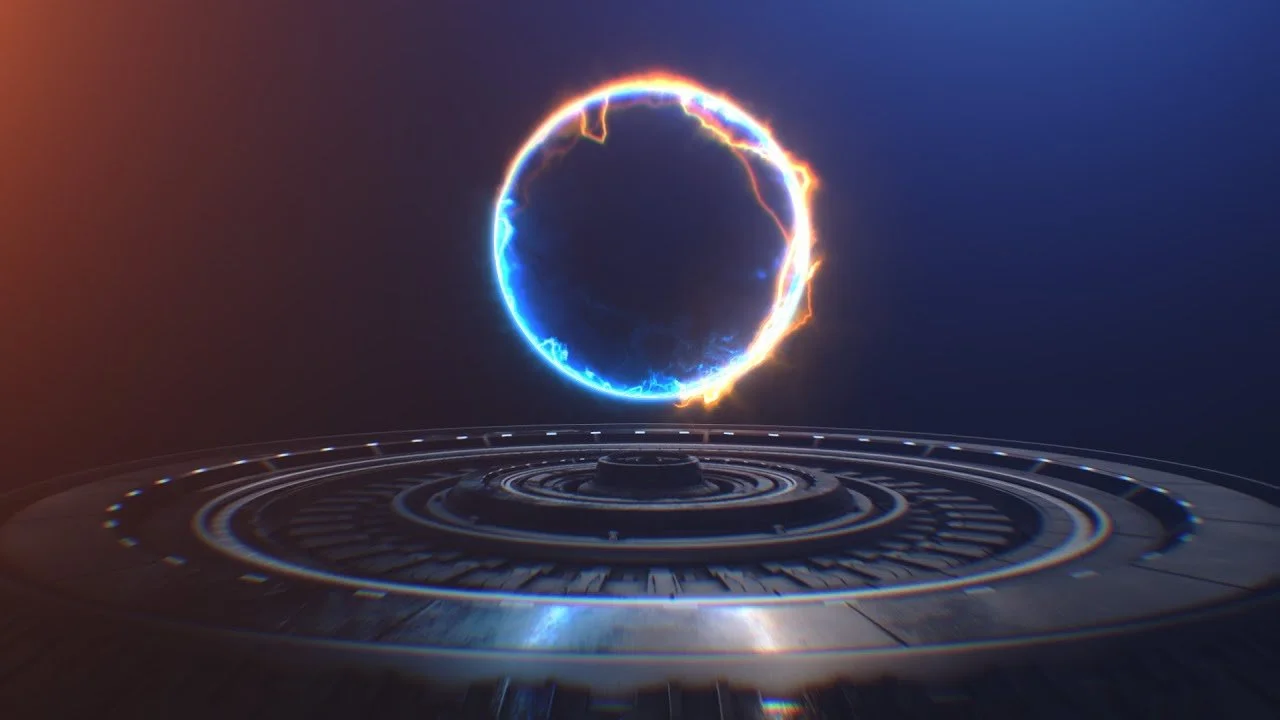
Create Energy Beams, Lightsabers, Lasers, Portals, Neon Lights, Electric, Haze & more. Again, Andrew Kramer bringing the joy! This free plug-in is a must have.
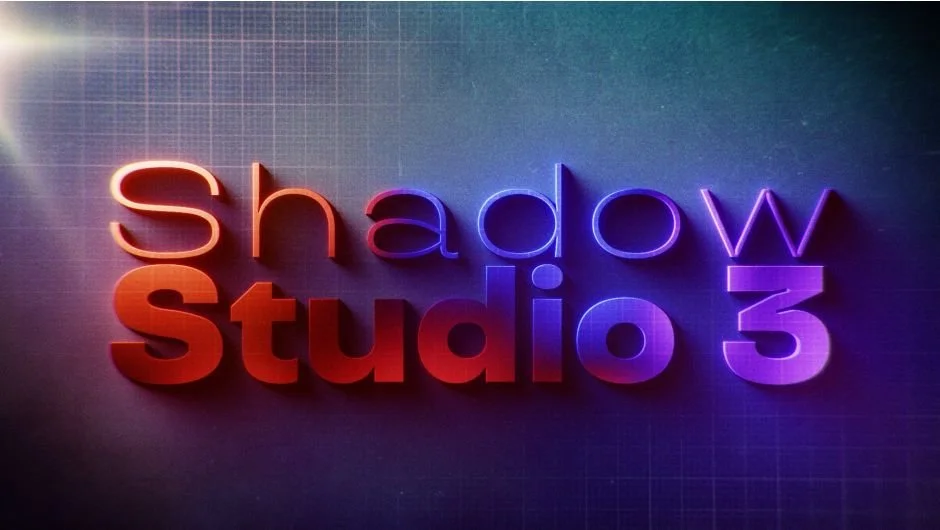
Cast gorgeous ray-traced shadows & light with the ultimate shadow plugin for After Effects. Similar to Deep Glow replacing the glow effect, this effect has fully replaced the Drop Shadow effect for me. Absolutely spot on shadows.
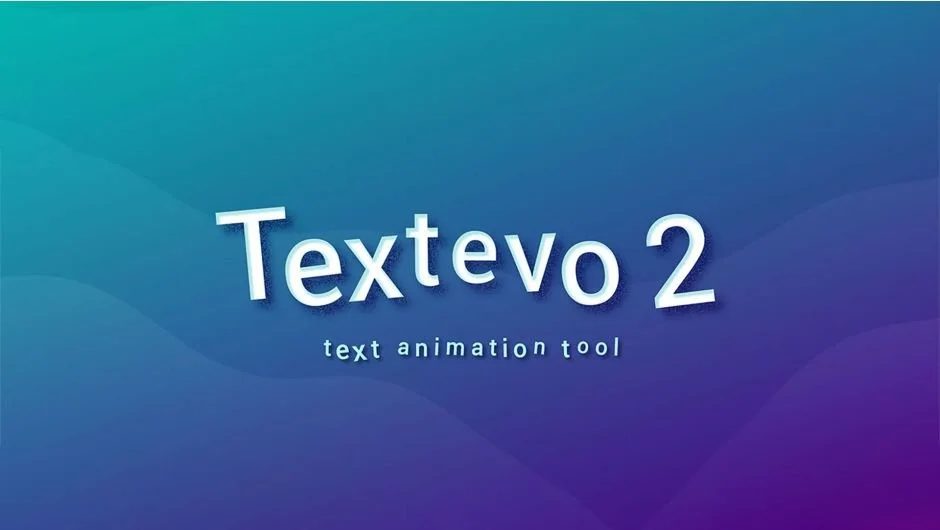
TextEvo allows you to easily animate your text with delay based on letters, words or lines.
Creates a complete duplicate of selected comp hierarchies including sub-comps with many options. This is permanently docked in my After Effects workspace and is always used when I’m making iterations of a comp.
Intense bright colourisation plug-in that makes it easy to achieve HOT colours instantly. Andrew Kramer man…
The ultimate 3D sphere for After Effects and possibly the single best tutorial for any Earth effect out there! Stop it Andrew.
Free reflections plug in for After Effects. One of Video Copilot’s earliest plug ins I believe? Still holds up today, I use it in product and LED mock ups all the time.
What do you think of the list? Do you think there are any top tier plugins we’ve missed? Let us know!
Lastly we may as well mention that we also use all of our own tools, scripts and presets from our own store. You can see all of the After Effects tools available from the button below.
If you are freelancing or an agency that is partnering with us, please reach out and we can discuss options for you to have our tools for free.