The Best Light Flicker Effect in After Effects
Adding a light flicker to your clips is a really simple way to bring them to life. The usual trick is an expression on an Exposure effect. But if you've tried it, you've probably been there - the exposure randomly spikes, and it's a real pain to keep under control.
So, we made XPO Flick!
It's a new After Effects preset that gives you proper control over your flicker. Set how bright and how dark it goes, how fast it flickers, and even flicker the red, green and blue channels separately. Mix them all together and you can get all kinds of different looks really quickly.
In the video below, I run through all the controls, then show how I used it on an old shoe animation to elevate the glow that little bit more.
HERE'S THE VIDEO:
You can grab XPO Flick below 👇
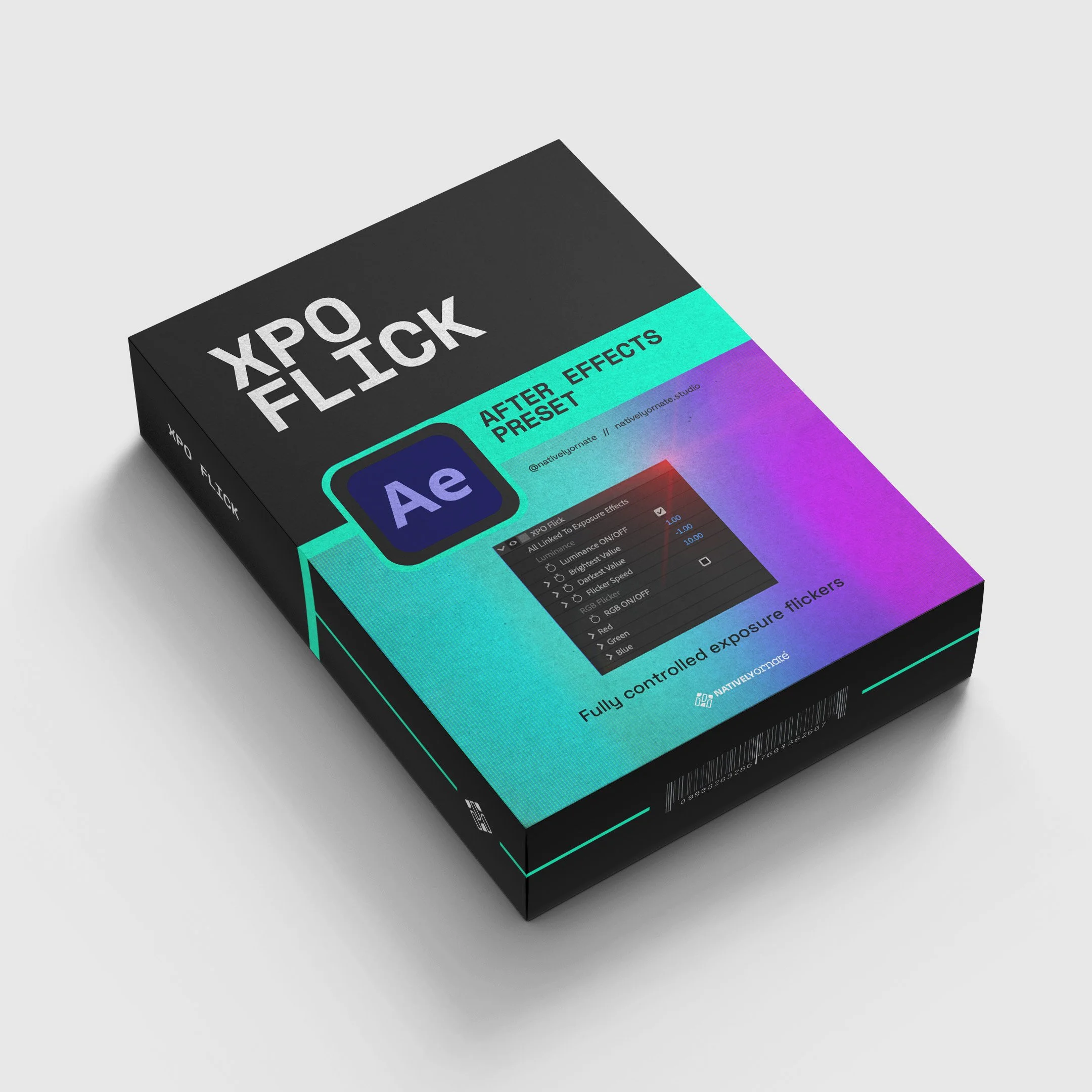
Bring your lighting to life with XPO Flick, a fully customisable exposure flicker preset for Adobe After Effects. Whether you want a subtle cinematic shimmer or a bold, dramatic pulse, XPO Flick gives you precise control over your flickering light effect in just a few clicks.
Compatible with After Effects 2023 and later.
While you're there, have a look around the rest of the shop - some of the tools are even free!
Happy flickering - see you in the next post!